11 Top Tools for Managing Multiple WordPress Sites in 2026

Managing multiple WordPress sites can be daunting, especially when it comes to maintaining performance, updates, backups, and security across them all. With the rise of digital businesses and agencies managing several websites, choosing the right tool for WordPress site management becomes crucial.
Luckily, a range of powerful tools has emerged to help business owners streamline and automate the management of multiple WordPress sites, allowing them to focus more on growth and less on maintenance. If you’re looking to simplify your workflow and save time, this article covers the top tools for managing multiple WordPress sites. Let’s explore the best options for efficient and secure site management.
Managing multiple WordPress sites requires constant updates, monitoring, and troubleshooting. Business owners, agencies, and freelancers all face the challenge of handling several sites, which can become overwhelming without the right tools. Without proper management systems in place, businesses risk outdated plugins, vulnerabilities, and security breaches that can negatively impact user experience and SEO rankings.
Agencies managing clients’ websites need an efficient way to track updates, backups, and security across multiple sites. As websites scale, manual updates and checks become time-consuming, making site management tools indispensable. These tools automate updates, conduct security audits, and help users streamline their workflows, eliminating the headache of managing each site individually. For example, just as a Highlightiewer simplifies complex legal processes for clients, a good WordPress management tool simplifies the technical side of running multiple websites, keeping everything secure and up to date.
Additionally, small- to medium-sized businesses often lack dedicated IT staff, making it even more critical for them to rely on WordPress site management tools to keep their sites running smoothly. A robust tool helps business owners focus on the core aspects of their business without worrying about maintaining each website individually. As the complexity of managing websites grows, the right management tool will save valuable time and improve productivity.
1. Centralized Dashboard
A centralized dashboard is essential for managing multiple sites from one location. With this feature, users can access all their sites’ information, perform updates, and manage backups without logging into each site individually. This feature dramatically saves time and simplifies workflows.
2. Automated Updates
Automating plugin and theme updates is a game-changer. The best tools allow you to set up automatic updates for WordPress themes, plugins, and core versions. This eliminates manual effort and ensures your sites are always up to date with the latest features and security patches.
3. Security Monitoring
WordPress site management tools include built-in security monitoring to keep your website safe. Real-time security alerts and protection against malware and hacking attempts are crucial features. This helps business owners avoid costly security breaches and safeguard user data.
4. Backup and Restoration
Automated backup systems ensure that data is safely stored and can be restored in the event of an emergency. Having backups is essential to prevent data loss from server crashes or accidental deletions. A good tool will let you schedule regular backups for added peace of mind.
5. Performance Monitoring
Performance monitoring tools help track your website’s speed, uptime, and overall performance. These features let you get notifications about slowdowns or downtime, so you can fix issues before they affect your site’s user experience and SEO rankings.
6. User Role Management
Managing access to various WordPress sites can be tricky, especially in a large team. WordPress management tools often allow for customized user role management. This feature enables users to set different permissions for various roles within their team, preventing unauthorized access.
7. SEO Tools
Many management tools come with integrated SEO features that help track SEO performance across multiple websites. These tools can analyze key SEO metrics and help optimize your websites for better search engine rankings, giving your business a competitive edge.
8. Integration with Other Tools
For businesses using a variety of tools, integration capabilities are a must. Many WordPress site management tools integrate with third-party services like Google Analytics, email marketing platforms, and CRM systems. This creates a seamless experience when managing multiple tools from a single dashboard.
Choosing the right multiple WordPress site management tools can be quite confusing, given the diverse options available. But that should no longer be an issue, as we have handpicked the top tools for managing multiple WordPress sites. Check them out below:
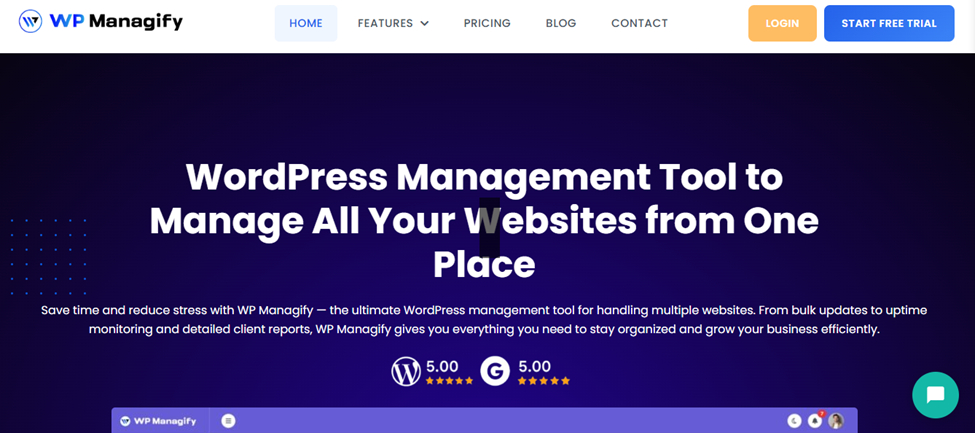
WP Managify is a powerful, user-friendly tool designed for managing multiple WordPress sites seamlessly. With features like automated updates, backups, and security monitoring, you can manage all your WordPress sites from a single dashboard. WP Managify also stands out with its performance optimization and detailed reporting features, ensuring that your sites are always secure and running at peak performance.
It supports bulk updates across all your sites, saving time and reducing the risk of human error. The integration with other popular tools, such as Google Analytics, and the ability to schedule automatic backups make it an ideal choice for busy business owners and agencies.
WP Managify stands out as the best choice for managing multiple WordPress sites in 2026. With its comprehensive suite of features, it enables users to streamline workflows, maintain site performance, and keep their websites secure with minimal effort. Whether you’re a business owner or an agency managing multiple sites, WP Managify offers a powerful, user-friendly solution that boosts efficiency and productivity.
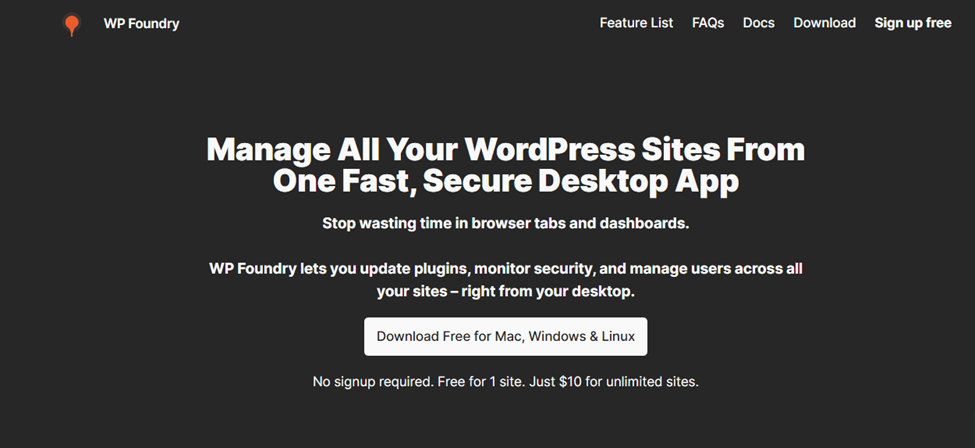
WP Foundry is another robust tool for managing multiple WordPress sites. It offers an intuitive interface and comes with powerful tools for backup management, plugin updates, and security monitoring. Whether you are running a small business or managing client sites, WP Foundry simplifies your workflow by offering centralized control over all your WordPress websites.
WP Foundry is a solid choice for businesses looking for an easy-to-use platform that handles essential site management tasks, including backups, security, and updates. Its straightforward interface and integration with essential tools make it a reliable option for users who value simplicity.
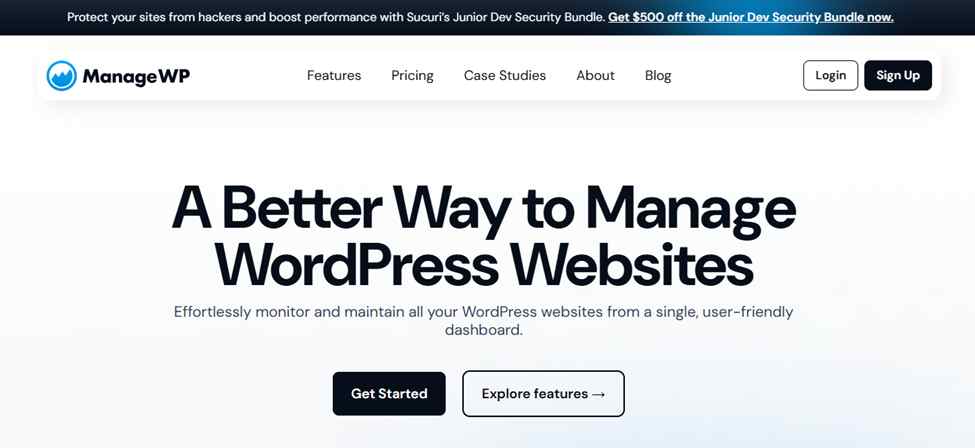
ManageWP is a highly popular, powerful tool that simplifies WordPress site management. It offers a centralized dashboard where you can manage all your WordPress sites, perform bulk updates, back up your sites, and monitor their performance.
Its premium features, such as SEO optimization tools, analytics integration, and security monitoring, make it a reliable solution for agencies and business owners looking to optimize their workflows. ManageWP is designed to save time and reduce the complexity of managing multiple websites by automating most maintenance tasks.
ManageWP is a reliable choice for managing multiple WordPress sites, especially for those who need an intuitive tool that integrates well with other third-party services.
Its powerful features, such as automated updates, backups, and security scans, make it an essential tool for website owners who want to focus on content and business growth rather than site maintenance.
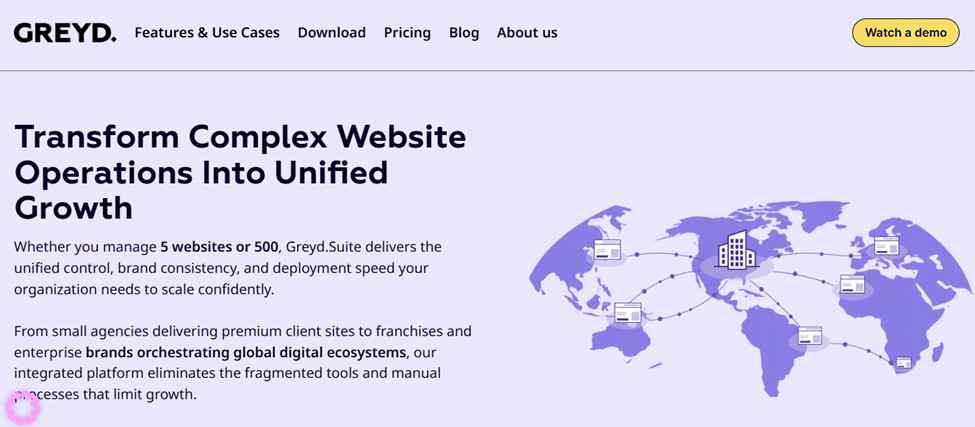
Greydsuite is an advanced platform that helps agencies manage multiple WordPress sites from a single dashboard. It focuses on providing a solution that handles site backups, performance tracking, and user role management.
Greydsuite offers a comprehensive set of features to help agencies automate daily tasks, monitor website performance, and maintain site security across all their projects. The platform also offers scalable pricing, making it suitable for both small businesses and large agencies.
Greydsuite is a comprehensive tool for agencies looking for an all-in-one solution to manage multiple WordPress sites. Its performance tracking, backup automation, and user role management features make it highly effective for large teams managing many client websites. While it lacks integrated SEO tools, it excels in overall site management and security.
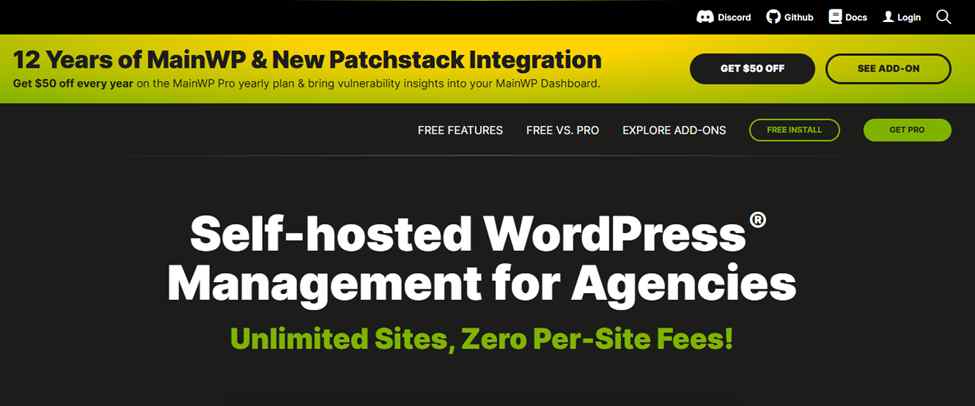
MainWP is a free, open-source solution for managing multiple WordPress sites from a single dashboard. It’s widely used by agencies and developers for its extensibility, allowing users to add features through plugins.
MainWP provides tools for updates, backups, and security monitoring, but its real strengths lie in its flexibility and scalability. It allows complete customization, making it ideal for those who want full control over their site management.
MainWP is a great option for developers or advanced users who need a customizable, flexible solution for managing multiple WordPress sites. Its open-source nature and plugin support make it highly adaptable, but its learning curve might be a barrier for beginners. For users who are comfortable with technology and want a free solution, MainWP is a solid choice.
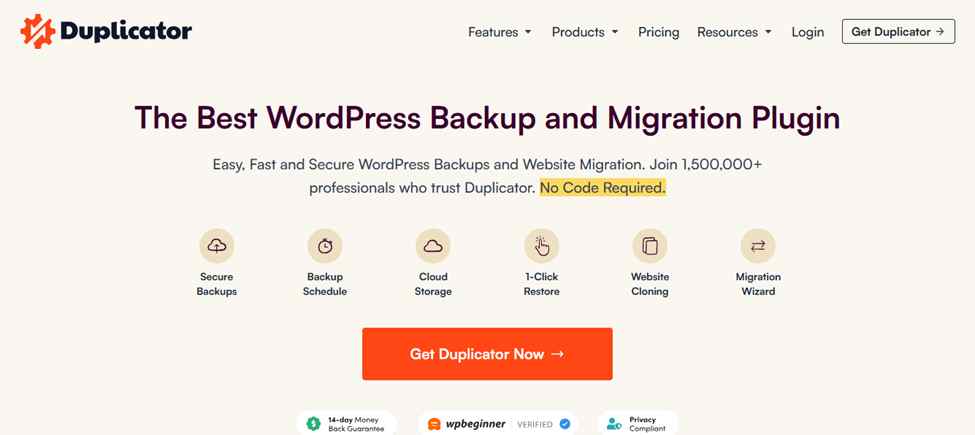
Duplicator is primarily known for cloning and migrating WordPress sites, but it also offers features for managing multiple sites. The tool lets you back up and migrate WordPress sites with ease, making it an invaluable resource for developers and agencies managing multiple sites across different platforms.
Duplicator integrates with other management tools and helps keep backups and restores seamless across multiple installations.
Duplicator is a perfect tool for developers who frequently need to migrate and back up WordPress sites. While it’s not as comprehensive as other management tools for monitoring and updates, its cloning and backup capabilities are excellent for site migration and multi-site management.
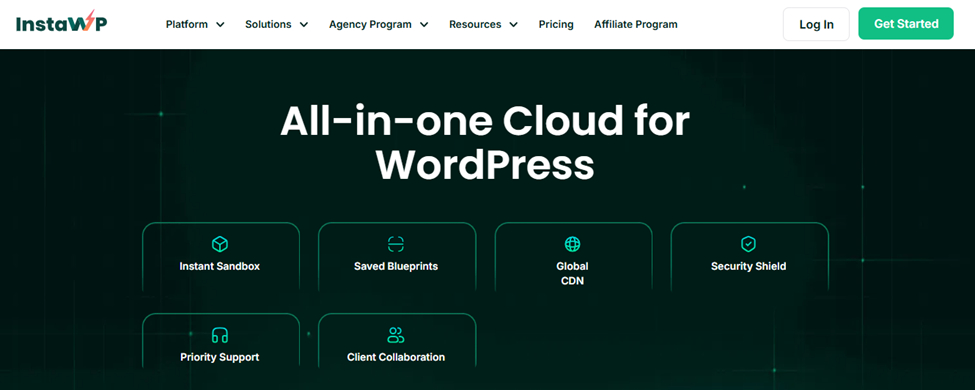
InstaWP is a quick and efficient tool for managing multiple WordPress sites. It allows users to create staging environments for their websites, making it easy to test new features or updates before applying them to the live site.
It’s a great option for developers and businesses looking for a simple solution for staging and testing without the complexity of managing full installations.
InstaWP is ideal for developers who need a fast and easy way to create staging environments and test changes before pushing them live. While it’s not as feature-rich as other management tools, its simplicity and speed make it a great option for testing and development workflows.
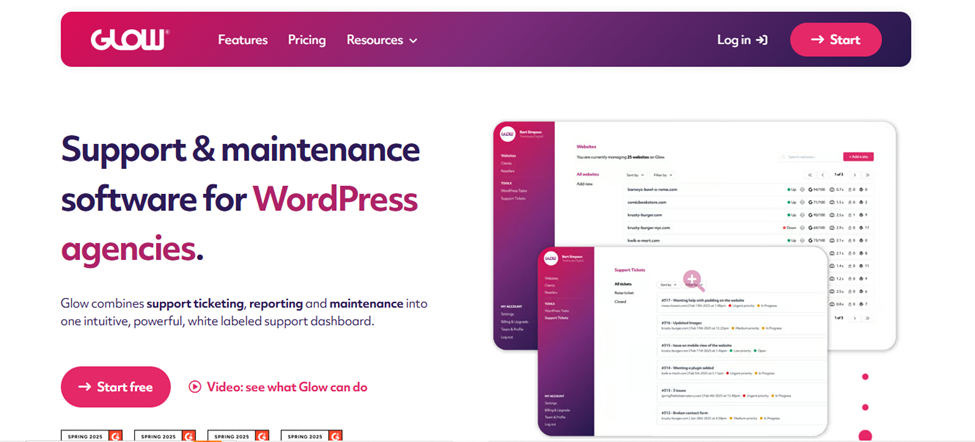
Glow is an all-in-one WordPress management platform that allows users to manage, optimize, and scale their WordPress sites. Glow focuses on providing an easy-to-use interface with features for automatic updates, backups, performance monitoring, and security.
It’s especially great for small- to medium-sized businesses looking for an affordable solution to manage multiple WordPress sites without sacrificing performance.
Glow is a great tool for small businesses and startups looking for a user-friendly platform to manage multiple WordPress sites. Its straightforward interface, automatic updates, and reliable backup options make it a solid choice for those who need to manage their sites efficiently without advanced features.
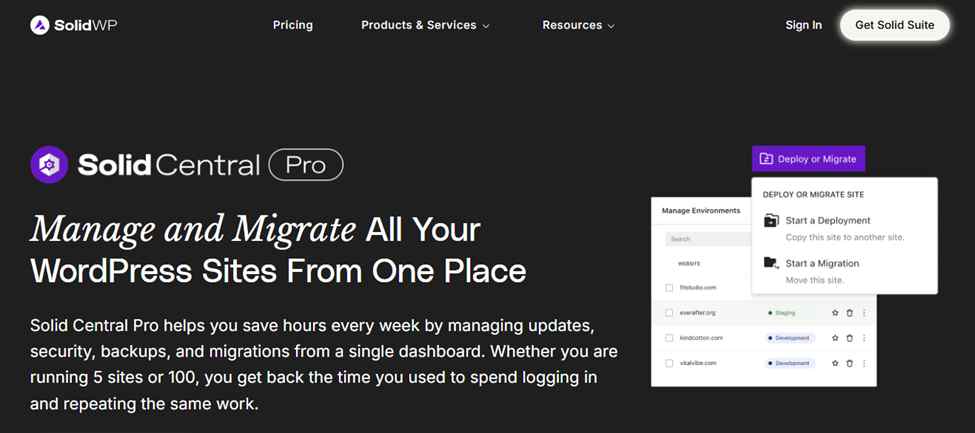
Solid Central is an all-in-one platform for managing multiple WordPress sites. It allows users to handle everything from updates, backups, security, and performance monitoring from a single, easy-to-use interface.
With a special focus on making site management more accessible to business owners and freelancers, Solid Central provides an intuitive dashboard that simplifies handling multiple websites. Its integration with various third-party tools enhances its functionality, while its fast updates and backup systems keep all sites in top shape.
Solid Central is a great choice for small businesses and freelancers who need an affordable and simple platform to manage multiple WordPress sites. With its intuitive interface, bulk updates, and solid security features, it’s perfect for users who want straightforward site management without complex setups.
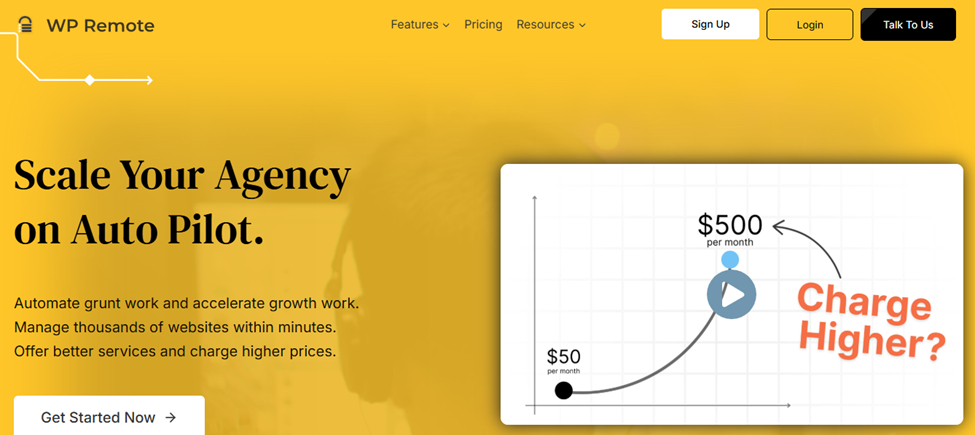
WP Remote is a powerful WordPress site management tool that focuses on providing an easy-to-use platform for managing multiple sites, especially for agencies and freelancers.
It features a centralized dashboard that lets users quickly access their sites, perform bulk updates, and ensure their sites are secure and up to date.
With its minimalist design, WP Remote is perfect for users who prioritize speed and simplicity in their site management workflows.
WP Remote is a perfect tool for users who want to keep their WordPress sites simple and secure. Its ability to deliver quick updates and backups, along with a minimalist dashboard, makes it a great choice for freelancers and small businesses that manage several sites. However, larger agencies may find it lacking in more advanced features.
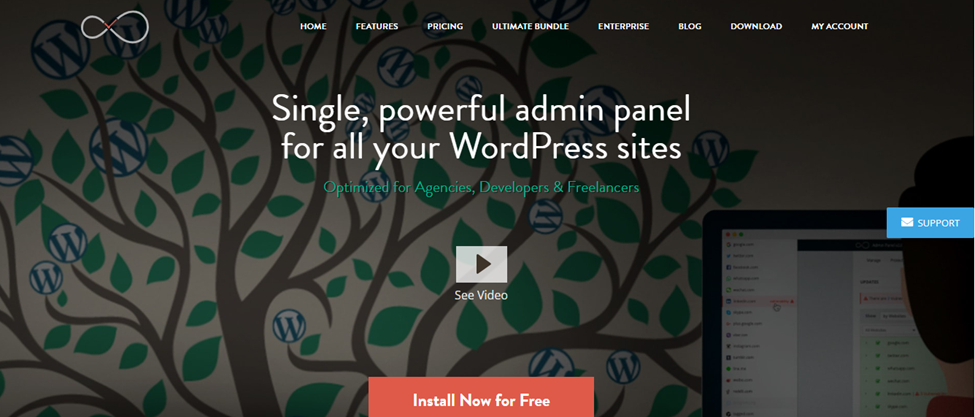
InfiniteWP is a powerful WordPress management tool that lets users manage unlimited websites from a single centralized dashboard. It’s especially popular among developers and agencies because it offers a range of tools for updates, backups, and security management. Its flexible pricing model and premium features make it a standout choice for agencies that need to manage many WordPress sites with ease.
InfiniteWP is a highly effective tool for developers and agencies managing large numbers of WordPress sites. Its one-click updates, security monitoring, and bulk backups make it a powerful solution for site management. However, its lack of a free version and limited integrations may deter users looking for a more budget-friendly or flexible solution.
When managing multiple WordPress sites, using the right tool can save you time, increase productivity, and enhance the security and performance of your websites. WP Managify stands out as the best choice for users who want a comprehensive, user-friendly platform with top-notch features.
Its automated updates, backups, and security tools make it an essential part of any website manager’s toolkit. However, tools like ManageWP, MainWP, and InfiniteWP also offer strong features that cater to specific needs, whether it’s scalability, performance tracking, or migration.
By selecting the tool that fits your needs, you can easily streamline your workflow, ensuring that your WordPress sites run smoothly and efficiently. With the right management tool, you can focus on growing your business or agency without getting bogged down by the complexities of site maintenance.
Showcase your skills, projects, and agency with Portlu—a modern, customizable HTML5 template designed for creative professionals.